The short version
- The problem. RIRRI'S is a small 3D shop in the browser, built with three.js. On a phone it asked the graphics chip to draw 846 separate things every frame, the same as on a desktop. The overview ran at about 35 frames per second on my iPhone held sideways.
- The result. 531 draw calls a frame (37% fewer), and 12 to 18% less CPU time per frame. Every pixel is the same as before.
- What didn't change. The first visit is about as slow as before. That wait is the graphics chip building its shader programs, and fewer draw calls don't touch it.
- The rule I set. Faster, but nothing a visitor can see may change. That rule decided the order of everything below.
- Tested with three.js r169 on WebGL 2, in Chrome with phone emulation, WebKit and the iOS 17.5 Simulator. The same ideas apply to any three.js scene with many static meshes.
The method, in the order I'd do it again
- Count the draw calls in one frame846 calls; the biggest source was the walls, not the props I suspected
- Build a "nothing changed" pixel test firstthe same build against itself: 1.93% of pixels differed, then 0.007%
- Merge static meshes, by material and by colourthree kinds of merge: 846 → 531 calls
- Prove the picture didn't change18 views, every store view within 0.02% of pixels; 1,739 removed shapes never touched again
- Watch the shader cost of a first visitnew shaders add about 0.2 s, so the merge waits until the store is showing
- Measure CPU and GPU time separatelyCPU 12–18% less per frame; GPU about the same
- Keep only what helpedtwo ideas made no difference and went back out
A draw call is one job the browser hands the graphics chip: "draw this shape with this material." The chip draws quickly. What costs time on a phone is the preparation for each call, when the browser, the driver and the chip agree on what comes next. A few hundred calls a frame are fine. Many hundreds, sixty times a second, show up as a choppier scene.
1. Count the draw calls in one frame
I wanted to know where the calls came from before changing anything. three.js sends every draw through one function, so I wrapped it for a single frame and noted which object each call belonged to.
- 846 calls on the phone overview (autumn, rain, dusk): shop fittings 194, the store building 173, street, poles and vending machines 156, shelves and stock 140, trees and seasonal dressing 126, sky, sea and screen effects 57.
- My guess had been the small props. The real surprise was the building: its walls are boxes with one material outside and another inside, and three.js draws such a box once per group of faces.
Try it on your scene
renderer.info.render.calls gives the total for the last frame (with a post-processing composer, set renderer.info.autoReset = false and reset it yourself once per frame). To see where the calls come from, wrap the draw function for one frame:
const counts = {}, draw = renderer.renderBufferDirect;
renderer.renderBufferDirect = function (cam, scene, geo, mat, object) {
  const key = object.parent?.name || object.name || object.type;
  counts[key] = (counts[key] || 0) + 1;
  return draw.apply(this, arguments);
};
requestAnimationFrame(() => {   // one frame later: undo it and print
  renderer.renderBufferDirect = draw;
  console.table(counts);
});
2. Build a "nothing changed" pixel test first
"It looks the same to me" isn't a test. Mine takes the same screenshot of the old and the new version and compares every pixel. Before trusting it, I pointed it at the old version twice: two identical builds should come out identical.
- Random numbers seeded and the clock frozen: 1.93% of pixels still differed. The rain fell differently in each capture.
- Rain and floating particles paused: 1.63%. The camera drifts slowly around the store when nobody touches it, and a fraction of a pixel lights up every edge.
- Camera drift stopped too: 0.003 to 0.007%, mostly the spinning fans on the roof. That became the noise floor.
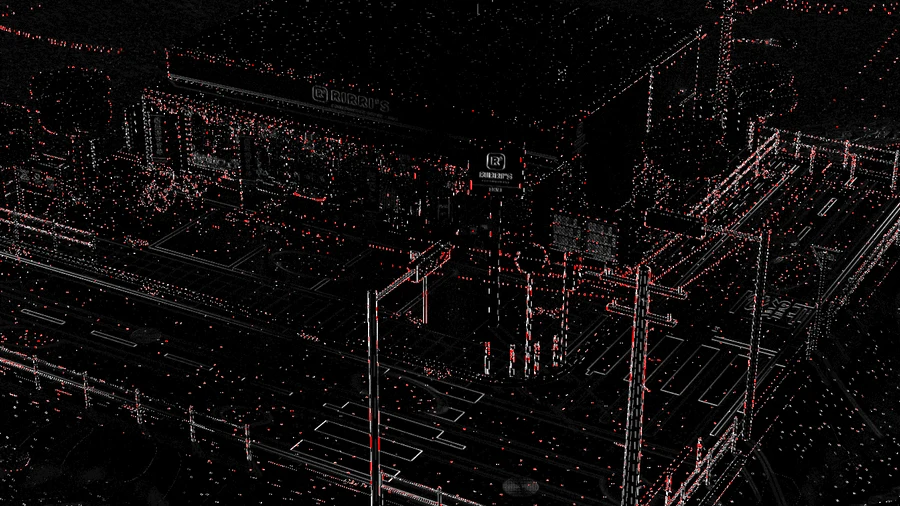
The old version compared with itself, three times
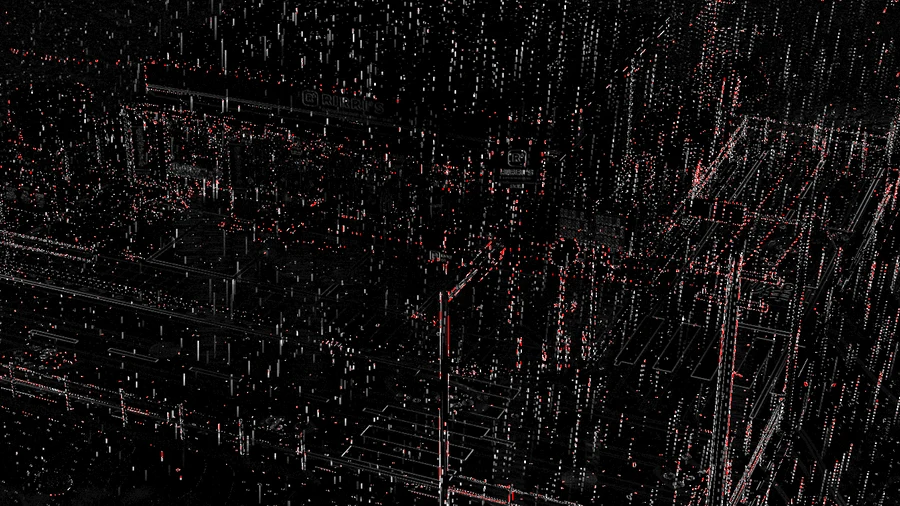
Clock frozen1.93% of pixels differ
Rain and particles paused too1.63%

Camera drift stopped too0.007%
Try it on your scene
- Make a frame repeatable: seed
Math.random, drive your clock by hand, stop any idle camera motion, and pause or hide particles. - Capture with a headless browser (I used Playwright) and count pixels whose largest colour-channel difference is above about 8 out of 255.
- Compare the old build with itself before anything else. Whatever it reports is your noise floor, and a "difference" below it means nothing.
3. Merge static meshes, by material and by colour
Merging joins many static shapes into one, so they cost one draw call. The scene already merged shapes that shared a material. It had three gaps.
- Boxes with a material per face. The merging skipped any mesh with more than one material, which is exactly what the walls were. Now such a box is cut into its face groups first, and each group joins the others with the same material. The building went from 173 calls to 62.
- Shapes that differ only in colour. Buttons on a vending machine, the parts of a tree, a pole and its base: each colour was its own material, so each was its own draw. Now every corner of a merged shape carries the number of the material it came from, and the shader looks up that material's colour (below).
- Small scatters and props. Leaf piles, bottles in an ice tub, snow mounds, a shovel, a flag pole and a bun steamer. Tree canopies thin out in four stages through the year, so each stage became its own merged shape and still thins in the same order.
One frame of RIRRI'S on a phone, one dot per draw call
846 draw calls in this frame
The store building173 → 62
Shop fittings194 → 146
Shelves and stock140 → 137
Trees and seasonal dressing126 → 71
Street, poles and vending machines156 → 58
Sky, sea, rain and screen effects57 → 57
drawnmerged into another draw
The colour lookup is three lines of shader. The detail that matters is that the list holds the original materials' own colour objects, not copies. RIRRI'S recolours materials all the time, with the seasons and as the lamps brighten at dusk, and the merged shapes follow without any extra code.
attribute float aPal;        // which material this corner came from
uniform vec3 uPal[64];       // those materials' own colours
diffuseColor.rgb *= vPal;    // vPal = uPal[int(aPal)], passed through unchanged
Try it on your scene
- Group static meshes by material and join each group with
mergeGeometriesfrom three.js'sBufferGeometryUtils. A mesh with several materials hasgeometry.groups; split it by those first. - For shapes that differ only in colour, add a per-vertex material index and a uniform array of the materials'
Colorobjects, as above. Keep the array one fixed size, so every merged material shares one shader program. - Leave out anything that moves, anything transparent or textured, anything your code still holds a reference to, and big instanced batches with a colour per instance. Mine would have cost about 30 MB of extra geometry to merge.
4. Prove the picture didn't change
- Pixels. 18 views: desktop and phone at day, dusk and night, the two-island view held sideways, winter snow, a spring evening, the House inside, reduced motion, the page without 3D, and a case study in English and in Chinese. Every view of the store came within 0.02% of pixels. The rest was motion: the roof fans, the rain outside the House's window, an animated title.
- Code. If any code still held one of the shapes that merging removed and tried to move, hide or recolour it later, that change would silently do nothing. I recorded every removed shape (1,739 in the store, 3,230 with the second island) and ran through all 60 combinations of season, weather and time of day, four animated season changes, every section and the guided tour. None of them was touched again.
The same frozen frame, old and new

Before846 draws

After531 draws

Differenceblack = same
Try it on your scene
- Diff more than one view. Lighting and weather variants catch problems a single daytime view hides.
- Keep a list of every object your merge removes, drive the app through all its states, then check that none of them changed position, visibility or material.
5. Watch the shader cost of a first visit
The colour merge needs three new shader programs, the small programs the graphics chip runs to draw a material. On a first visit the phone builds every program before it can show anything, and that is already the slowest part of loading. Three more made the first visit about 0.15 to 0.2 seconds slower in my tests.
So the merged shapes wait. The first frame draws the original pieces, as before. Once the store is showing and nobody has touched the screen for a couple of seconds, the new programs are built in the background and the merged shapes take over. The picture is identical, so the swap is invisible.
A cold first visit in the iOS Simulator, in seconds
page and scenebuilding shadersfirst framestore showingmerged shapes take over
Try it on your scene
- Watch
renderer.info.programs.lengthbefore and after a change. Every new program is extra work on a first visit. - To test a true first visit, make every shader unique per page load, for example with a random constant in the source, so the browser's shader cache can't help.
- If a change needs new programs, build its meshes hidden, compile them with
renderer.compileAsyncwhen the scene is idle, then swap them in.
6. Measure CPU and GPU time separately
A frame costs time in two places: the CPU prepares the draw calls and sends them, and then the graphics chip draws them. Fewer draw calls should mostly save the first, so I measured both, over many frames.
Time per frame, in milliseconds, before and after
Two-island view, phone sideways
Store overview on a phone
10th to 90th percentilemiddle frame16.7 ms, one frame at 60 fps
- CPU: 12 to 18% less per frame. On the store view even the slow frames moved: the 90th percentile went from 18.7 ms, past the 16.7 ms a frame gets at 60 fps, to 14.7 ms, inside it.
- GPU: about the same. In the two-island view the chip does about a millisecond more, because a big merged shape can't be skipped piece by piece when part of it is off screen. It had time to spare.
- One run lies. My first two runs per version suggested 23 to 30% less CPU. Six interleaved runs on a busier machine gave 12 to 18%, and that is the number I trust.
Try it on your scene
- CPU: time your render call with
performance.now(), with the CPU slowed in Chrome DevTools (4× is a common stand-in for a phone). - GPU: wrap the same call in an
EXT_disjoint_timer_query_webgl2query. It works in Chrome on desktop; Safari doesn't offer it. - Collect hundreds of frames, alternate old and new runs, and compare the middle frame and the 90th percentile rather than averages.
7. Keep only what helped
| What | Before | After |
|---|---|---|
| Draw calls, store overview on a phoneone frame, counted in the renderer | 846 | 531 |
| Draw calls, two-island view, phone sidewaysone frame, counted in the renderer | 978 | 583 |
| Preparing each frame, two-island viewCPU time, middle of 906 frames over 6 runs, Chrome slowed to a quarter of its speed | 14.4 ms | 12.6 ms |
| Preparing each frame, store on a phonethe same measurement | 15.1 ms | 12.4 ms |
| Drawing each frame, two-island viewGPU time, the same frames | 7.5 ms | 8.5 ms |
| Drawing each frame, store on a phoneGPU time, the same frames | 6.9 ms | 6.8 ms |
| First visit, Chrome on a slow phone and 4Gfirst frame, shaders forced cold, middle of 3 runs | 5.84 s | 5.69 s |
| First visit, WebKit (Safari's engine) on a Macthe same, middle of 5 runs | 4.22 s | 4.13 s |
| First visit, iOS Simulatorthe same, iPhone 15 | 5.65 s | 5.69 s |
| Font styles on the first screendownload size | 216 kB | 142 kB |
- Kept: the three merges, the delayed swap, and two small network changes. The case-study fonts now load after the store appears, and the 3D library starts downloading with the page instead of after it.
- Taken back out: sending every image to the graphics chip early, and preparing the glow effect's shaders separately. Neither made a measurable difference to the first visit.
- For a visitor: nothing about how RIRRI'S looks or works has changed. Every button, tap and transition is the same; the overview should just feel steadier on a phone. I still need to confirm that on my own iPhone.
- Next: the first visit. Making it faster means fewer distinct shader programs, which means looking at how the materials themselves are set up.